


If you have filed a disability claim with the Department of Veterans Affairs (VA), the federal government maintains a record of your claims history. This record is known as your VA C-File, short for claims file, and contains important documents related to your service, supporting evidence, and benefits decisions. Understanding how to get your C-File can help you identify missing information, review past decisions, and prepare for future requests.
Many veterans never review the evidence the VA considered before receiving a decision. Important documents, including service records and supporting statements, may be missing or incomplete. Knowing how to get your C File gives you an opportunity to examine those records and better understand the information behind your benefits determination.
To obtain a copy, veterans can submit a FOIA request or Privacy Act request using VA Form 20-10206. The VA also provides official VA resources explaining how individuals can request access to federal records. For additional background, the Freedom of Information Act explains the legal framework governing access to certain government information.

This guide explains how to get your C File from the VA, what documents it contains, how to submit a request, and what to expect during processing. You will also learn how to review your records, avoid common mistakes, and find assistance when needed.
Your VA C File contains important records related to your benefits history with the Veterans Benefits Administration. Understanding how to get your C File helps you review supporting evidence, identify missing documents, and understand previous VA decisions. These records may also contain information about your service history, eligibility for veteran programs, and documents submitted through official VA forms.
Your C File generally begins with your first benefits application and expands as additional evidence and decisions are added. While these records were traditionally stored in paper folders, most are now managed electronically through the Veterans Benefits Management System (VBMS). Veterans can use official VA resources to request records, learn about VA healthcare, or access information about benefits and services. To obtain a copy of their claims history, veterans can submit a request through the VA’s Freedom of Information Act (FOIA) portal.
Learning how to get your C File can also help veterans prepare for future benefits reviews and identify documents that may require correction or additional supporting evidence.
What Documents Are Included in Your VA C File?
The contents of your VA C File depend on your claims history, but understanding how to get your C File can help you access important documents and review the evidence used in previous decisions.
A typical C File may include:
- Military service documents: Your DD Form 214, discharge information, and other personnel records.
- Service treatment records: Documentation of health conditions, injuries, and treatment during military service.
- Medical center records: Relevant VA treatment notes, hospital reports, and healthcare documentation.
- Private medical evidence: Records submitted by your doctors or other healthcare providers.
- VA applications: Forms submitted for benefits, including VA Form 21-526EZ.
- Compensation and Pension (C&P) examinations: Reports used to evaluate claimed conditions.
- Decision documents: Official letters, rating evaluations, and supporting explanations.
- Personal and buddy statements: Written accounts describing relevant experiences and the impact of claimed conditions.
- Appeal documents: Supporting evidence and decisions from the Board of Veterans’ Appeals.
Your C File may also contain internal VA documents that were not included in your original decision letter. These records can help explain how evidence was reviewed, which documents were considered, and why certain determinations were made.
Under the Privacy Act of 1974, individuals generally have the right to request access to federal records maintained about them, subject to applicable exemptions. Veterans can use VA Form 20-10206 to request copies of their records.
Learning how to get your C File and reviewing its contents can help you identify missing evidence, understand previous decisions, and prepare for future benefits requests.
Why You Should Request a Copy of Your C File

One of the most important reasons to understand how to get your C File is to prepare for a VA decision review. If your VA claim was denied or you received a lower rating than expected, reviewing your VA C File can help you understand what evidence was available to the VA and how your claim was evaluated. This information can help you identify potential errors and explore your options through the VA’s official decision review process.
Missing or incomplete medical records can affect the outcome of a VA benefits decision. Your claims file may be missing service treatment records, military personnel records, or private medical evidence that supports your condition’s connection to military service. By submitting a personal records request and reviewing your C File, you can identify documentation gaps and determine whether additional evidence may be needed. Veterans can also request certain service records through the National Archives.
An accredited representative, including a Veterans Service Organization (VSO) representative, VA-accredited claims agent, or attorney, can also help you review your records and understand your options. Some authorized representatives have electronic access to VA claims records through the Veterans Benefits Management System (VBMS), which may allow them to review available documents without waiting for a mailed copy. You can find qualified assistance through the VA’s accredited representative resources.
Reviewing your VA claims file before requesting a decision review can help you better understand your rating decision, organize supporting evidence, and make informed choices about your VA benefits.
Key Takeaways
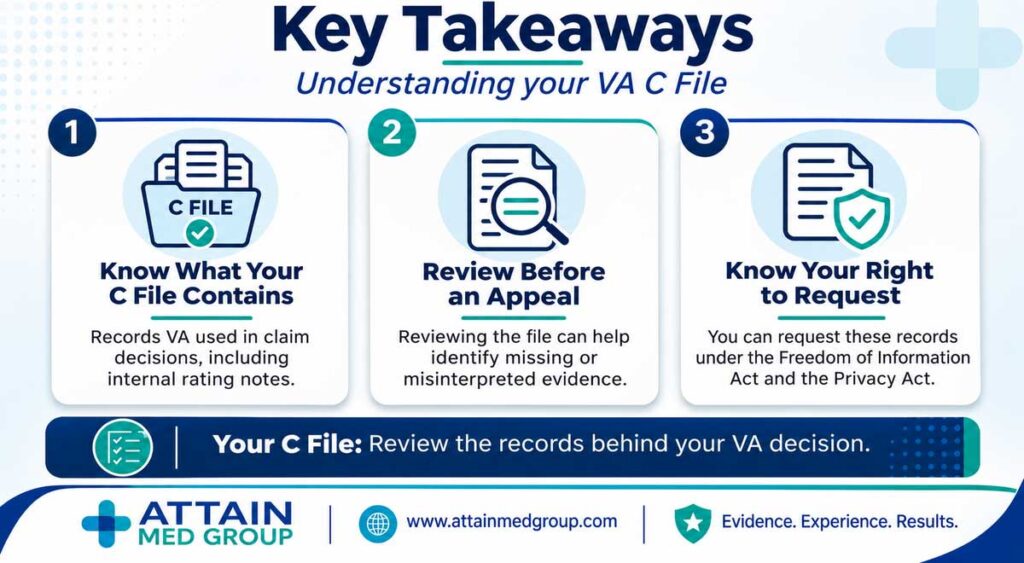
- Your C File holds every document the VA used to decide your claims, including internal rating notes you never received.
- Reviewing the file before an appeal reveals exactly which evidence was missing or misread.
- Federal law gives you the right to request these records under the Freedom of Information Act and the Privacy Act.
How to Request Your C File from the VA

Understanding how to get your C File starts with submitting a personal records request to the Department of Veterans Affairs. Veterans can use VA Form 20-10206, the Freedom of Information Act (FOIA) and Privacy Act request form, to obtain a copy of their VA claims file. You can download the form from the official VA.gov website or contact your nearest VA regional office for assistance.
When completing the form, clearly describe the records you need by writing “Complete VA Claims File (C File), including all available records and rating decisions.” This helps clarify that you are requesting your full claims history rather than individual documents. Veterans can also learn more about their records-access rights under the Freedom of Information Act.
Follow these five steps to submit a clean request:
Steps to Request Your C File
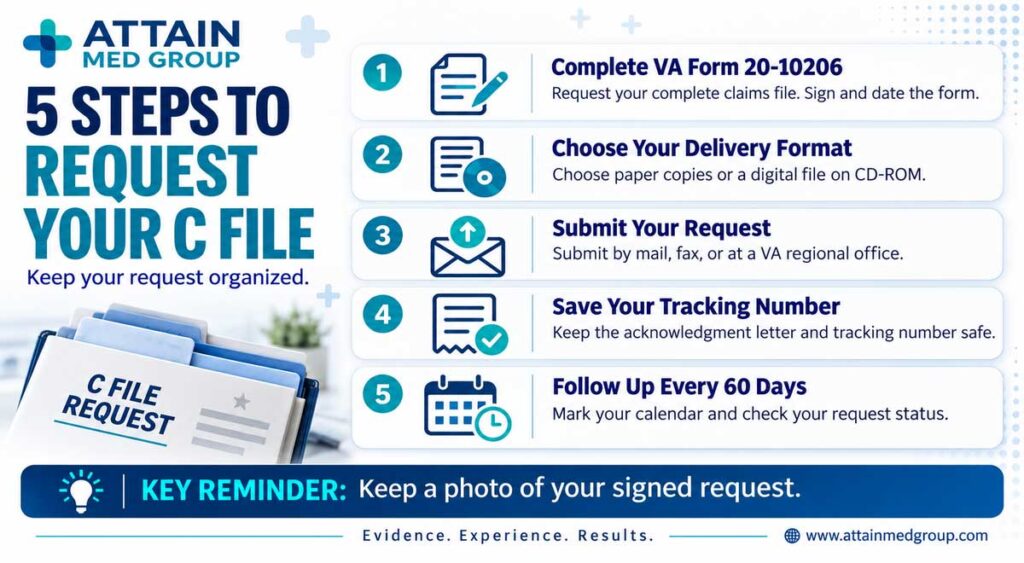
1. Fill Out VA Form 20-10206
Enter your full name, Social Security number or VA file number, date of birth, and current address. Describe the records as your complete claims file, then sign and date the form because unsigned requests are rejected.
Tip: Snap a photo of the signed form before mailing so you have proof of exactly what you sent.
2. Choose Your Delivery Format
The VA can send your file as paper copies or as a digital file on CD-ROM. Large files often arrive on disc because they can run thousands of pages. Pick the electronic version if you can, since a searchable file is far easier to review.
3. Submit the Request
Mail the form to the VA Evidence Intake Center at PO Box 4444, Janesville, WI 53547-4444. You can also submit it by fax or hand-deliver it to your nearest VA regional office.
4. Save Your Tracking Number
The VA typically mails an acknowledgment letter confirming your request, and that letter includes a tracking number. Keep it somewhere safe. If a month passes with no letter, call 800-827-1000 to confirm the VA received your form.
5. Follow Up Every 60 Days
Mark your calendar and check the status of your request on a regular schedule. Polite, persistent follow-up keeps your request visible and prevents it from stalling in a backlog.
Getting Help from an Accredited Representative
You do not have to navigate the VA C File request process alone. A VA-accredited attorney, claims agent, or Veterans Service Organization (VSO) representative can help you understand how to get your C File, review your VA claims file, and identify important records related to your benefits history.
Some accredited representatives have authorized access to the Veterans Benefits Management System (VBMS), allowing them to review available claims file records electronically. However, access varies, and obtaining a complete copy may still require a formal records request.
Veterans can find qualified assistance through the VA’s accredited representative directory or contact their nearest VA regional office. Working with an accredited representative can help you understand your rating decision and prepare for future VA benefits requests.
C File vs. Military Service Records
Your VA C File and Official Military Personnel File (OMPF) serve different purposes. Your C File contains documents related to your VA claims, including rating decisions, supporting evidence, and benefits history. In contrast, your military personnel file documents your service history, assignments, training, and separation information.
Military service records are maintained by the appropriate federal records custodians, including the National Archives and the National Personnel Records Center (NPRC). Depending on the records and their age, veterans may be able to submit a personal records request through the National Archives online request system.
Your VA claims file may already contain copies of certain military personnel records and service treatment records, but it does not necessarily include your complete military service history. Reviewing both files can help identify missing documents and strengthen the evidence supporting your VA benefits.
For additional background, veterans can read about the National Personnel Records Center and its role in maintaining federal personnel records.
How Long Does It Take to Receive Your C File?
Understanding how to get your C File also means knowing how long the process may take. The processing time for a VA C File request varies depending on the size of your claims history, the number of pending requests, and the availability of records. Under the Freedom of Information Act (FOIA), federal agencies generally have 20 working days to make an initial determination, although extensions and delays may apply. This deadline does not guarantee that your complete file will arrive within 20 days.
Some veterans receive their claims file C File within a few months, while others may wait considerably longer. Processing times are not guaranteed, particularly when a file contains extensive documentation or requires additional review.
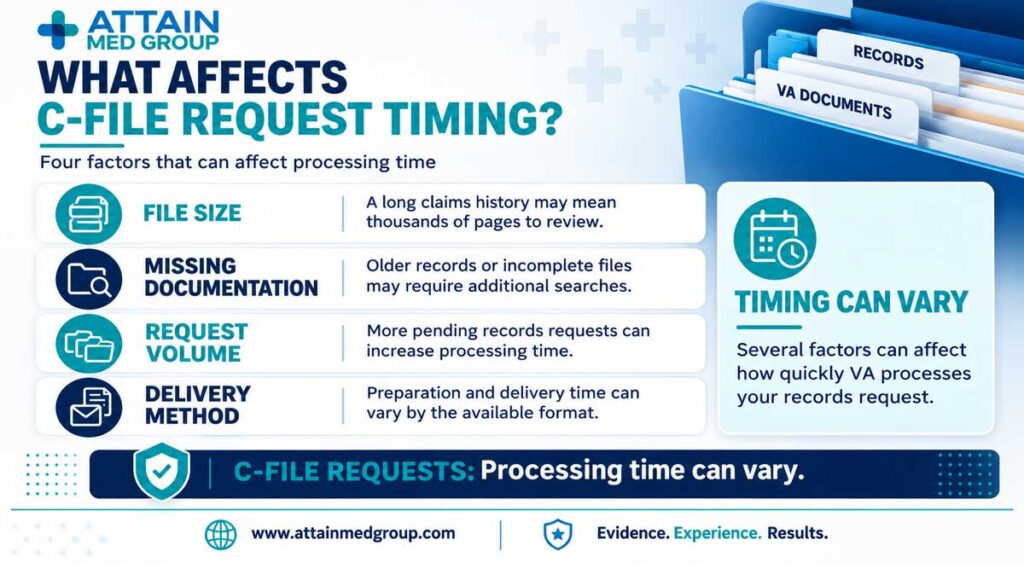
Several factors can affect how quickly the VA processes your request:
- File size: Veterans with decades of claims history may have thousands of pages of records requiring review.
- Missing documentation: Older records or incomplete files may require additional searches.
- Request volume: A high number of pending records requests can increase processing times.
- Delivery method: The time required to prepare and deliver records may vary depending on the available format.
You can also visit the VA’s FOIA information page to learn more about requesting federal records and accessing information maintained by the Department of Veterans Affairs.
If your request is delayed, keep copies of your submitted VA forms and any correspondence you receive. Staying organized can make it easier to follow up and confirm whether additional information is needed.